Support
We're here to help you create amazing stickers!
Frequently Asked Questions
How do I add stickers to WhatsApp?
After generating your stickers, tap the "Add to WhatsApp" button. The app will automatically create a sticker pack and open WhatsApp for you to add it. Once added, you'll find your stickers in the WhatsApp sticker tray when chatting.
My stickers didn't generate. What should I do?
Make sure you have a stable internet connection and keep the app open during processing. For best results, use a photo with good lighting and a clearly visible face. If the issue persists, try with a different photo or contact us for help.
How do I request a refund?
Refunds are processed through Apple. Go to Settings → Your Name → Media & Purchases → View Account → Purchase History, find your Wowmoji purchase, and tap "Report a Problem" to request a refund. Apple typically processes refund requests within 48 hours.
Are my photos stored anywhere?
No. Your photos are processed in real-time and immediately deleted from our servers. We never store your images. The generated stickers are saved only on your device. For complete details, see our Privacy Policy.
Can I use the stickers commercially?
Stickers generated by Wowmoji are for personal, non-commercial use only. Commercial use (selling stickers, using in advertisements, etc.) requires separate written permission. See our Terms of Use for details.
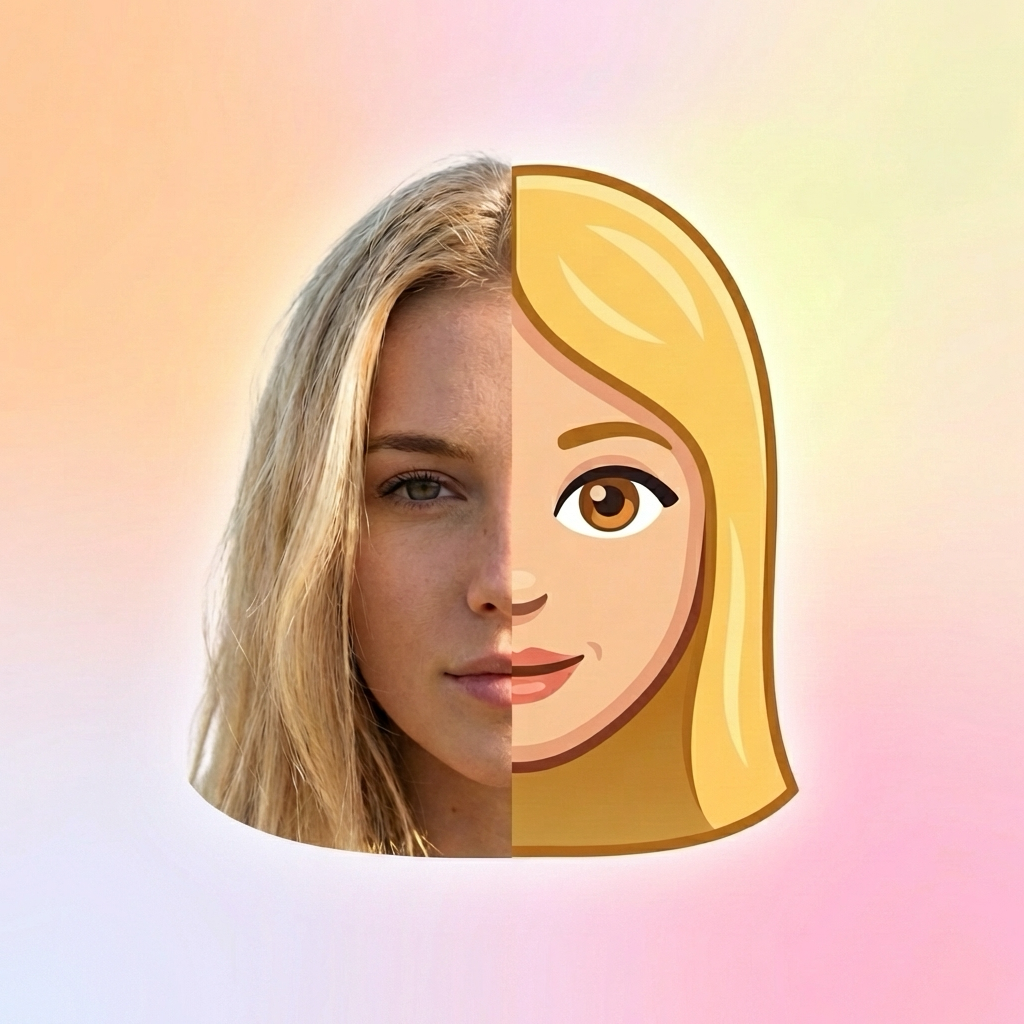
The stickers don't look like me. Why?
Results depend on photo quality. For the best likeness, use a photo with: good lighting (natural light works best), face clearly visible (no sunglasses or obstructions), neutral expression, and high resolution. Front-facing selfies typically work best.
Can I generate more stickers with the same photo?
Yes! You can purchase additional sticker packs anytime. Each purchase generates a new set of stickers. You can also upgrade your existing pack to get more expressions.